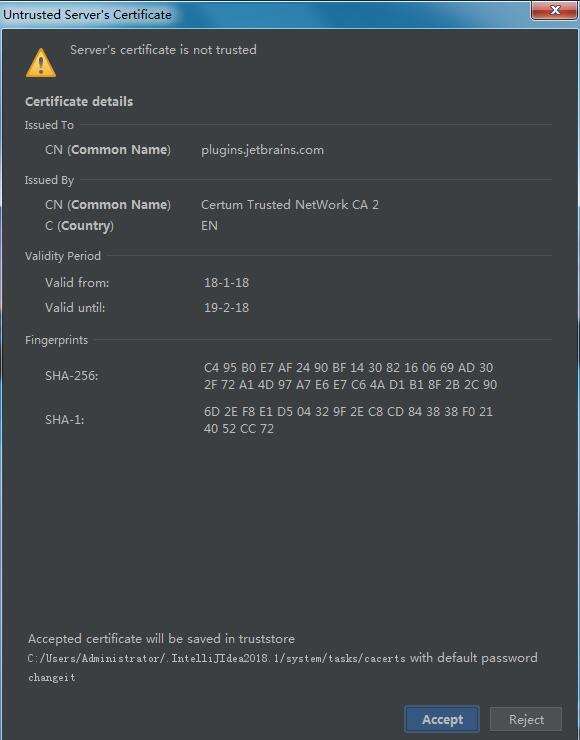
在使用IDEA时,如果遇到如下截图的错误
解决方法:
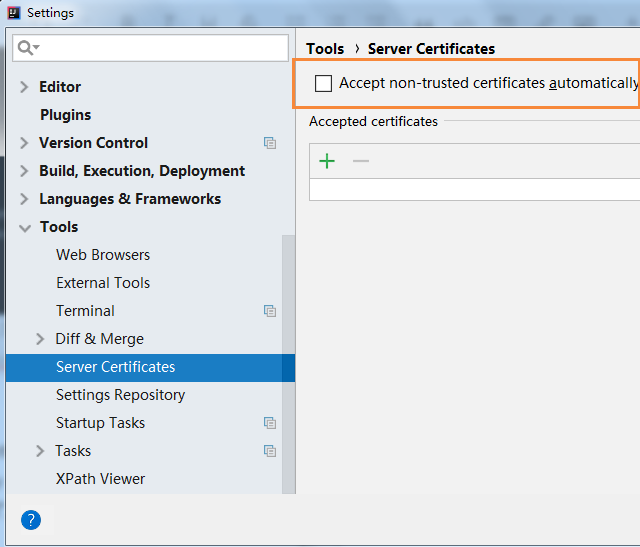
点击File > Settings > Tools > Server Certificates > Accept non-trusted certificates automatically
勾选上就好了。
在使用IDEA时,如果遇到如下截图的错误
解决方法:
点击File > Settings > Tools > Server Certificates > Accept non-trusted certificates automatically
勾选上就好了。